final video story

music by: 
JPB – High [NCS Release] https://youtu.be/Tv6WImqSuxA https://soundcloud.com/jpbhttps://www.facebook.com/jayprodbeatz https://twitter.com/gtaanis Music provided by NoCopyrightSounds Music promoted by Audio Library https://youtu.be/R8ZRCXy5vhA
filming by:
Madelyn Cuckovich (me), Amelia Cuckovich, Paula Diego, and Riley Cuckovich

I knew right from the beginning what I wanted to do. When filming this video over spring break I had a general idea of the moments I wanted to capture and what kind of video I wanted to make. I have a little experience with filming and editing videos but mainly just for fun, no professional training. I’ve looked at and researched different kinds of videos online in the past and I was definitely inspired by them and that’s when I began to film. For this video specifically, I started out just filming all the moments from our family vacation in short little pieces. If there was a cute or happy moment I would try to hurry and capture it as quickly as possible.  My main inspiration came from wanting to capture all of our moments that we have as a family, so we could try to relive them by watching this video at a later time.

I started out editing by going into my footage and carefully selecting all of the moments that I wanted in my video and then added them to the timeline in Premiere. I separated the clips into different subcategories and folders based on who the clip was of. Then I began to piece every clip together with the music. This took quite some time because the beats to this song are very intricate and fast. So some of the clips only last 1 second before moving onto the next. It took a lot of trial and error but, I’m so happy with the overall outcome. After I finished the timeline and was happy with it, I went in and did some color grading.

While first editing my video, I messed around with trying to go in and out of the music for some moments and try to let some raw audio through, but it just didn’t sound right. I decided on keeping the music all the way through and I’m so happy I did. I think it gives it a nice cohesive feel to it.

A lot of my design process came from the music and how I could create a story with the music. It’s kind of trial and error. If something looked out of place or didn’t look right with the clip before I would have to change it. So, a lot of it was listening to the music and matching a moment to it and trying to create a visual story that was cohesive start to finish. 

I was so happy that my classmates enjoyed my video, the main feedback I got was to add a title/date/place to the beginning of my video! I thought this was a great idea, I went into premiere and added in a title, but I decided that I didn’t love it. I felt that it gave it a sort of slide show feel and appearance to it. So I decided to leave it how it is. In my opinion, I felt that the video just looked a little more professional without it. I’m so grateful for my classmates input and recommendations!
draft video story

music by:

JPB – High [NCS Release] https://youtu.be/Tv6WImqSuxA https://soundcloud.com/jpb https://www.facebook.com/jayprodbeatz https://twitter.com/gtaanis Music provided by NoCopyrightSounds Music promoted by Audio Library https://youtu.be/R8ZRCXy5vhA

filming by:

Madelyn Cuckovich (me), Amelia Cuckovich, Paula Diego, and Riley Cuckovich

For my video draft I created a video from my family vacation. This relates to my course topic because, my course topic is about me. All about how I love to travel, be happy, smile, and explore. I wanted to show all of these elements in my video.

I knew right from the beginning what I wanted to do. When filming this video over spring break I had a general idea of the moments I wanted to capture and what kind of video I wanted to make. I have a little experience with filming and editing videos but mainly just for fun, no professional training. I’ve looked at and researched different kinds of videos online in the past and I was definitely inspired by them and that’s when I began to film. For this video specifically, I started out just filming all the moments from our family vacation in short little pieces. If there was a cute or happy moment I would try to hurry and capture it as quickly as possible.

After filming all of the footage, I knew I wanted to have a video with no talking, just moments with music over it. I want the viewer to feel as if they can see how happy we all were and how much fun we had together and also how much we all love each other. My main inspiration came from wanting to capture all of our moments that we have as a family, so we could try to relive them by watching this video at a later time.

A lot of my design process came from the music and how I could create a story with the music. It’s kind of trial and error. If something looked out of place or didn’t look right with the clip before I would have to change it. So, a lot of it was listening to the music and matching a moment to it and trying to create a visual story that was cohesive start to finish.

Using the adobe software was very easy to use in my opinion. I really liked it. I’d say I probably used to razor tool the most (ha-ha). I have a lot of quick snapshots that last about 1 second so I used that tool a lotttt! I also used some different color grading tools, along with slow motion, and I used the trimming tool a lot too. I kind of just messed around with the program and tried to explore and use it the best I could.

I think the biggest challenge I had was just making sure the video looked okay. I’m not a professional and I’m not experienced with this software, so there were a few times when I would get stuck, but mainly it was just trying to make the finished product look as polished as possible.

story board & raw footage

Story Board

For my video project I really have a good idea of how I want to make this video. I have made a few videos in the past and have come up with my own “style” so to speak. I’ve never made a story board I usually do it as I’m editing depending on what project I am working on. I like to do a lot of little flash shots to show the happy moments that were shot. I don’t have a lot of long videos; I have a lot of short videos from random parts of our vacation from spring break that I want to incorporate. So instead of having a few long shots, I want to have a lot of short shots. All of these clips will be covered by music I think.


start off with the shot of me in slow motion standing on the beach.

  • Cut to me riding the bike through the trees
  • Me flipping
  • A brief video of the beach
  • Me running on the beach in slow motion.
  • The video of me and my sisters hugging on the beach.
  • My little cousin evva in the airplane smiling.
  • A video of evva on the beach with her hair blowing in the wind.
  • Shot of me and my sister spinning on the beach in slow motion.

final audio story


Music used from: https://www.bensound.com/royalty-free-music/2

For my audio story I wanted to create a story about me that can help my audience get to know me a little better and see what my blog is about on a deeper level.

When thinking about the design of my audio story I really wanted to connect the interview questions to what my blog is about. I also wanted to keep the questions very clear, understandable, and appropriate so that any Internet audience could enjoy it and hopefully connect to what we were saying.

When I was doing my draft audio story I chose not to add in any additional audio sounds so the focus is on our voices but when I went back and listened to it I thought adding in music was a really nice touch. I think it makes it sound more cohesive and interesting to listen to. So I went to a free to remix website and downloaded the song. I then went back into Adobe Audition and used the multitrack to upload it into there. Then I faded in the music and then faded it out at the end. I also made the volume of the music softer while we are talking so you can hear our voices clearly.

In planning the narrative design I first thought about what questions I wanted to ask in the interviews. I feel that this was the hardest part! I was trying to ask questions that would help the listener get to know me but whilst still staying on topic. 

Another one of my goals was trying to keep a variety of ideas in the interviews so that people could not only get to know me a little more but also what I love and who I actually am. I think that because my blog is about me I wanted to make sure I discussed not only who I am but what makes me who I am. 

It was also very important to me that the editing was seamless and didn’t include any long pauses or awkward silences. I tried to edit my audio story in a way where there were no gaps. I used my knowledge from the tutorials to upload the clips that I recorded off of my phone and then edited all of the questions and “um’s” out. Then I put it onto a story timeline that I felt worked best! Later, I added in the music as described above.

I wanted to make sure that all of the questions related to my blog’s topic as well. I hope that you enjoyed my audio story, I had a lot of fun exploring Adobe Audition!


audio story draft

For my audio story I wanted to create a story about me that can help my audience get to know me a little better and see what my blog is about on a deeper level.

When thinking about the design of my audio story I really wanted to connect the interview questions to what my blog is about. I also wanted to keep the questions very clear, understandable, and appropriate so that any Internet audience could enjoy it and hopefully connect to what we were saying.

I chose not to add in any additional audio sounds so the focus is on our voices. When I played around with adding in sound I think it was a little bit distracting. My goal was to keep the attention on the narrative story and make sure it was very easy to understand and hear.

In planning the narrative design I first thought about what questions I wanted to ask in the interviews. I feel that this was the hardest part! I was trying to ask questions that would help the listener get to know me but whilst still staying on topic.

Another one of my goals was trying to keep a variety of ideas in the interviews so that people could not only get to know me a little more but also what I love and who I actually am. I think that because my blog is about me I wanted to make sure I discussed not only who I am but what makes me who I am.

It was also very important to me that the editing was seamless and didn’t include any long pauses or awkward silences. I tried to edit my audio story in a way where there were no gaps.

Lastly, I wanted to make sure that all of the questions related to my blog’s topic as well. I hope that you enjoyed my audio story, I had a lot of fun exploring Adobe Audition!

final logo

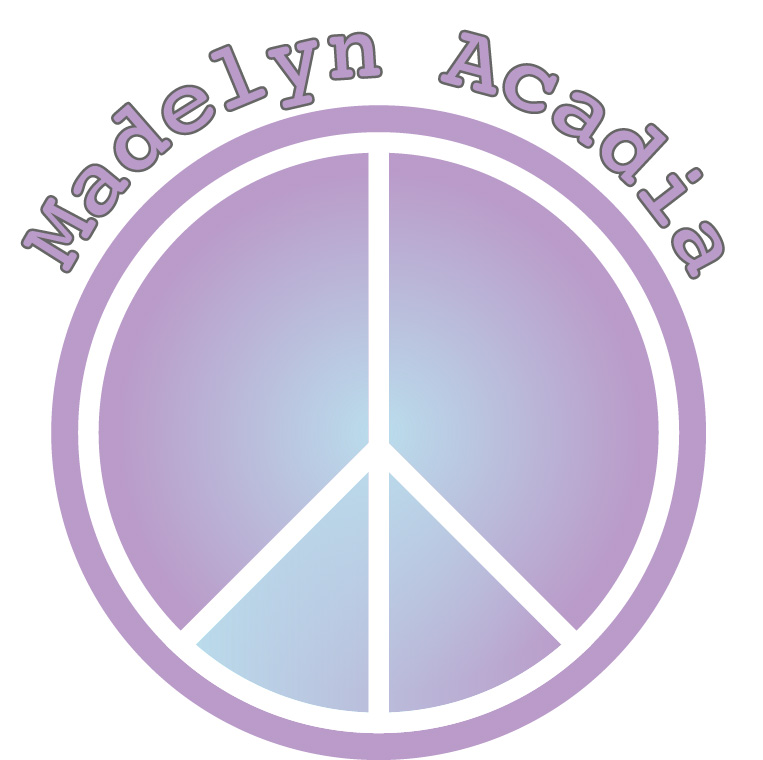
When first designing my logo, I knew I wanted it to be simple. While sketching up some ideas I came up with a peace sign and just ran with it. I decided to incorporate the peace sign because I think it is a nice universal symbol that everyone can relate to. I also think that it represents something with a good meaning and that is something I really stand for!

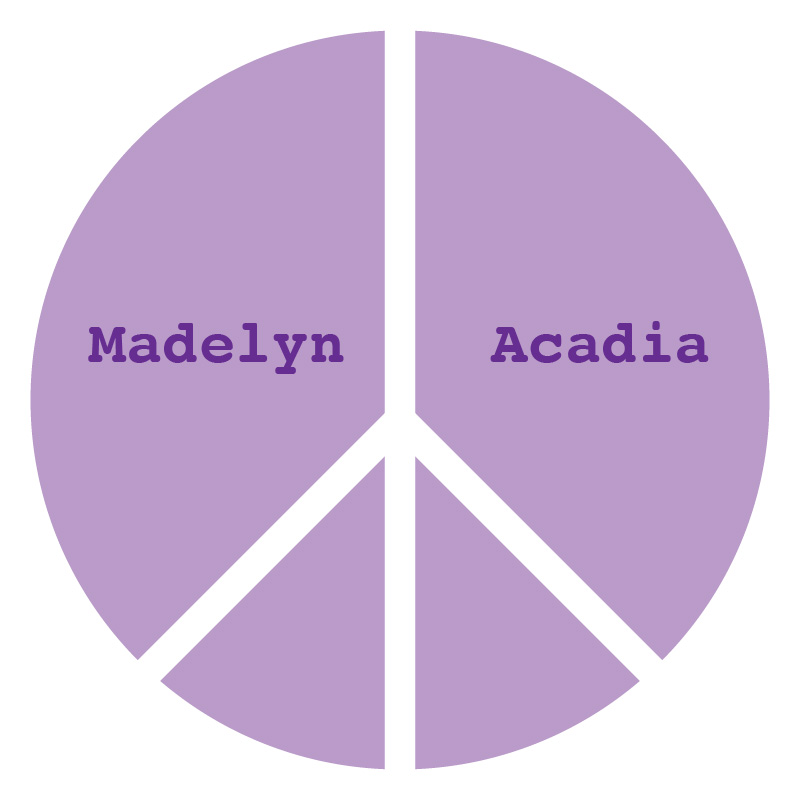
As I began my draft, I made a peace sign in illustrator using different shapes. I filled the peace sign completely with light purple and my name was originally in the two upper halves of the peace sign. The font was smaller and in a darker shade of purple. I chose the color purple because it represents “bliss” and I really like the meaning of that and the look!

After critiquing my own logo and receiving feedback from my classmates, I decided to enhance my design. Some of my advice given to me from my classmates was that it was just a little too simple, also that the font was too small and that the two shades of purple clashed. Which I also agreed with.

When I first started designing my final logo I wanted to make it a little more exciting and eye catching. I decided to first take my name out of the peace sign completely so I could make the font larger. Once I did that I added an extra border around the peace sign to make it pop a little more. After, I decided to add a “gradient” effect to make it a little more interesting and not so plain. I made the font bigger and I outlined it so it is easy and clear to read!

I’m much happier with how my final logo turned out and I hope you like it too!

logo draft

For my logo I wanted it to be very simple.

I knew I wanted my name in it or my initials and I knew that I wanted to keep it pretty clean and plain. When I started sketching I didn’t know exactly what I wanted so I tried to think of something that would tie in with my blog.

Due to my blog being about me I thought that because I am a yoga teacher and it’s a big part of my life I could incorporate a peace sign. I also thought that Instead I could just use my name and design that somehow. When I opened up Illustrator, using just my name was too plain. So then I started playing around with different shapes and decided that the peace sign was the look I was going for.

I kept my first name in the first part of the peace sign and my middle name in the second part to give my logo a nice balance. I chose this specific font because I think it looks up to date, modern, and some what trendy. I chose purple because I think it’s a calming color and simply, cute. For the color of my logo, I first thought about making it a light pink. As I thought about it a little more, I thought about how in yoga, each chakra has a color. The color purple signifies “bliss” which I think is really nice. I like the idea of living blissfully so that’s how I finally decided on purple. I first made the letters white but, then changed them to a deeper shade of purple to keep it unified.

I hope you like my logo and can see how it represents me and my blog!