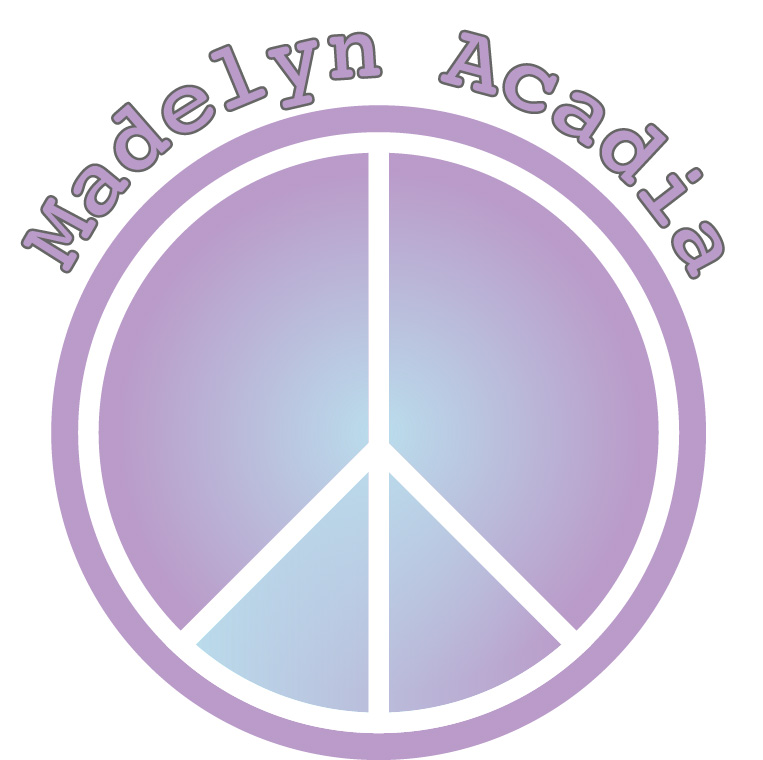
When first designing my logo, I knew I wanted it to be simple. While sketching up some ideas I came up with a peace sign and just ran with it. I decided to incorporate the peace sign because I think it is a nice universal symbol that everyone can relate to. I also think that it represents something with a good meaning and that is something I really stand for!
As I began my draft, I made a peace sign in illustrator using different shapes. I filled the peace sign completely with light purple and my name was originally in the two upper halves of the peace sign. The font was smaller and in a darker shade of purple. I chose the color purple because it represents “bliss” and I really like the meaning of that and the look!
After critiquing my own logo and receiving feedback from my classmates, I decided to enhance my design. Some of my advice given to me from my classmates was that it was just a little too simple, also that the font was too small and that the two shades of purple clashed. Which I also agreed with.
When I first started designing my final logo I wanted to make it a little more exciting and eye catching. I decided to first take my name out of the peace sign completely so I could make the font larger. Once I did that I added an extra border around the peace sign to make it pop a little more. After, I decided to add a “gradient” effect to make it a little more interesting and not so plain. I made the font bigger and I outlined it so it is easy and clear to read!
I’m much happier with how my final logo turned out and I hope you like it too!

 madelyn acadia